
Cats Drop
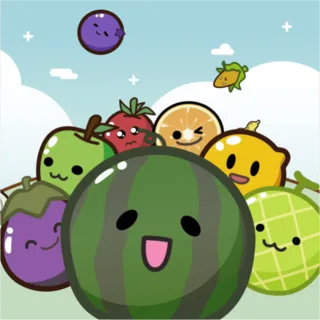
Watermelon Drop

2048 Suika
Blob Drop
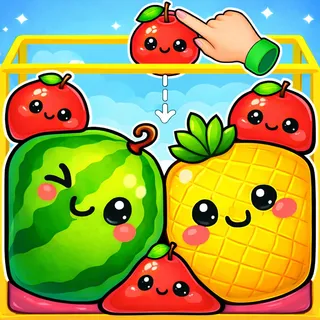
Jelly Fruit Merge
Fish Drop
Emoji Dropper
Drop The Number

Duck Merge
Chicken Merge

Merge Cakes

Sushi Merge
Watermelon Game Unblocked — Play Free Online
MergingAbout Watermelon Game
Watermelon Game unblocked: play Watermelon Game online free right here in your browser — no download, no sign-up, works on a school Chromebook.
Another cut of the Suika idea, with heavier fruit and a narrower box to land it in.
Suika with a menu
Watermelon Game is the fruit-merging jar, but unlike most versions of it there is a front end: the menu offers Play alongside Star Mode, Cat Mode and an Adventure Mode, and progress is saved between sessions.
The core is unchanged from the game everyone knows. Drop fruit into a container, two of the same kind fuse into the next fruit up the chain, and the round ends when the pile crosses the line.
Why the modes matter
- Play is the standard endless jar — the version to learn on.
- Adventure Mode gives the run structure and objectives instead of a single score, which suits people who bounce off endless games.
- Cat Mode swaps the fruit for cats, which is the same chain with different art. If that is what you came for, it is the mode to open.
Playing the chain
Sort by size across the container: small fruit against one wall, and let everything you merge migrate to the other. An unsorted jar gives you a wall of singletons that can never pair.
The single worst move remains dropping something large into the middle of an empty container. Everything after it has to be stacked around it, and the run is effectively decided in the first ten seconds.
Frequently asked questions
Is Watermelon Game free?
Yes. Watermelon Game is free to play in your browser on catsdrop.com, with no download or account.
Does Watermelon Game work on a phone or Chromebook?
It is an HTML5 build, so it runs in any modern browser; a keyboard makes some games easier.